Back to Videos
Keep Watching
See all
.png)
.png)



.avif)
.png)
.png)


Replay
Exploring Mission Features in Genesis UI
Stay in the Fast Lane
News and product updates in Agentic AI for enterprise data teams.
Oops! Something went wrong while submitting the form.

Automating Multi-Step Workflows with Missions
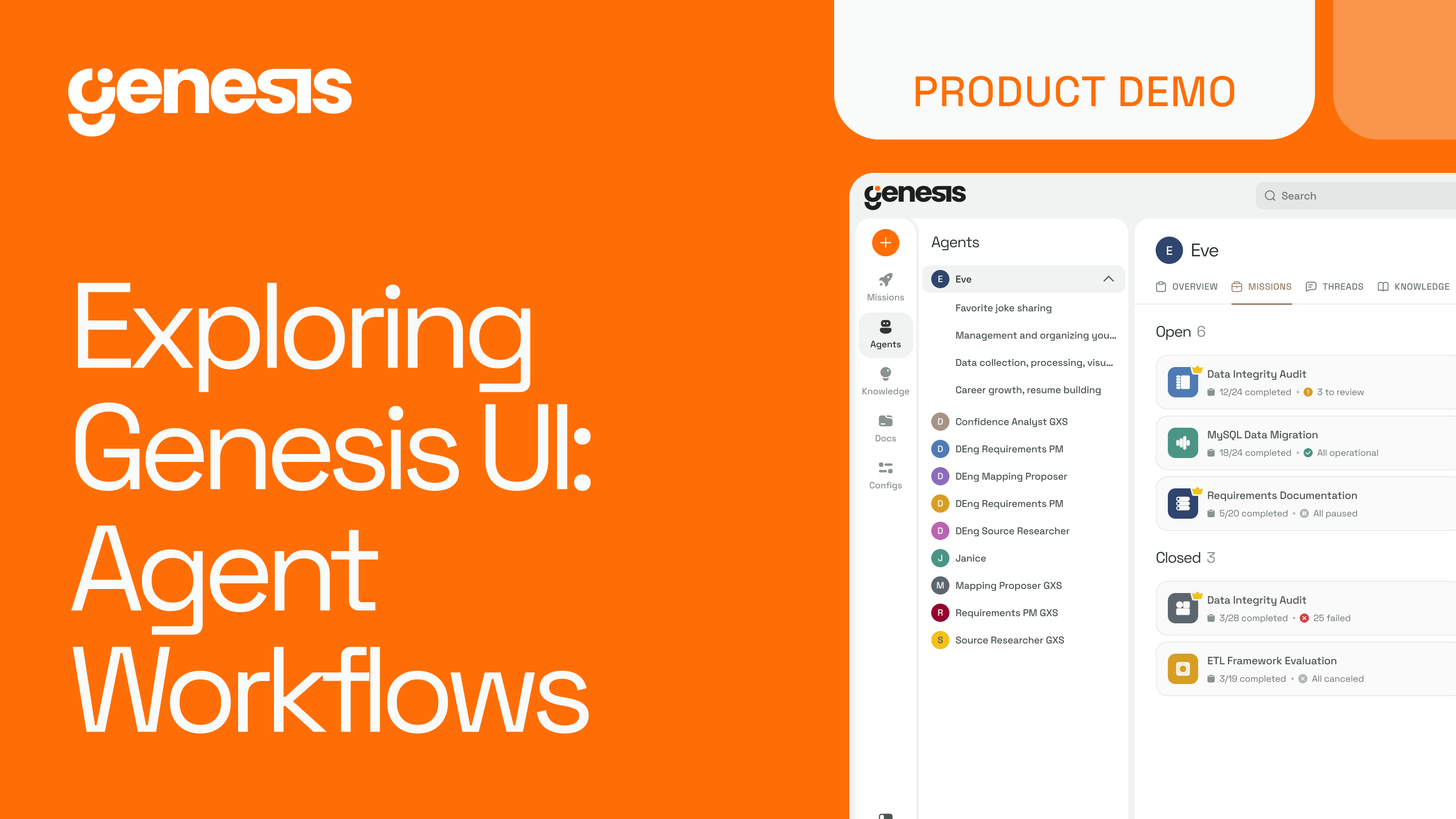
Missions allow Genesis to run complex, multi-step data workflows without requiring constant input from your team. Instead of coordinating each step manually, you define the outcome and the steps involved, and the agents complete the work according to that structure.
A mission contains the context, instructions, and workflow logic needed to complete a task from start to finish. Once started, it progresses step-by-step. The system only asks for clarification when something is genuinely ambiguous. Progress is always visible, with each step marked as completed, waiting, or currently running.
This makes work more predictable and reduces the operational overhead that typically slows data engineering teams.
What Missions Help You Achieve
- Shorter delivery timelines
- Consistent and traceable outcomes
- Clear ownership and documentation
- Reduced manual coordination and rework
Engineers stay in control. They review, guide, and approve. The agents handle the repetitive, structured execution. This shifts your team’s effort from manual task management to higher-value work.
Missions turn complex workflows into reliable, repeatable processes that can be run again and improved over time. The result is faster delivery without increasing staffing or adding more operational complexity.
Summary
Missions let agents execute multi-step data workflows autonomously. You define the desired outcome and the workflow structure, and the agents carry out the steps, only asking for input when something is unclear. Progress is visible and tracked step-by-step, reducing coordination overhead.This leads to faster delivery, more consistent results, clearer ownership, and less manual rework. Engineers remain in control by reviewing and approving, while agents handle repetitive execution. Missions turn complex processes into repeatable, reliable workflows that can be run and improved over time.
Stay in the Fast Lane
News and product updates in Agentic AI for enterprise data teams.
Oops! Something went wrong while submitting the form.
Keep Watching
Stay Connected!
Discover the latest breakthroughs, insights, and company news. Join our community to be the first to learn what’s coming next.
.png)