Back to Videos
Keep Watching
See all
.jpg)
%201%20(1).jpg)
%201%20(1).jpg)
.png)
.jpg)
.png)
.png)




.avif)


.png)
.png)




Replay
Genesis Walkthrough #8: DBT Engineering Blueprint
Stay in the Fast Lane
News and product updates in Agentic AI for enterprise data teams.
Oops! Something went wrong while submitting the form.

Using the DBT Engineering Blueprint to Build Your Project
After completing the source-to-target mapping mission, the next step is to generate the actual engineering artifacts that load data into the warehouse. The earlier mission created all mappings and documentation but did not create schemas or tables. This is intentional so that the logic can be reused across environments. To build the physical structures, you start a new mission based on the DBT Engineering Blueprint.
Starting the Engineering Mission
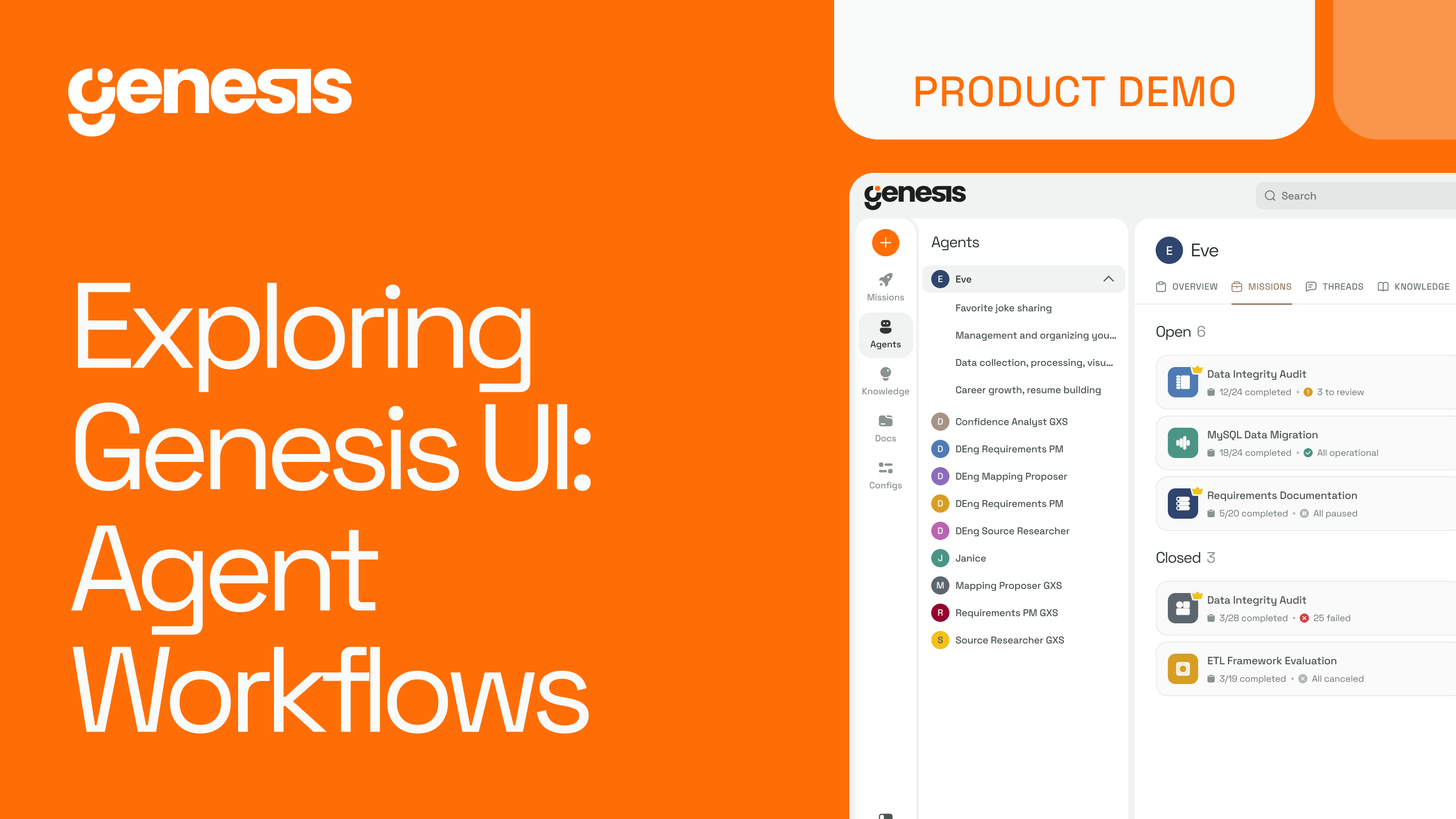
From the Blueprint library, select the engineering Blueprint and launch a new mission. This workflow is designed to take the outputs of previous missions and use them as inputs. After selecting the worker agent and starting the mission, you are returned to mission control where the new workflow begins running.
The mission includes the same features seen in previous workflows: interactive threads, document flow, work logs, and replay controls.
Providing the Mission Input
The engineering Blueprint needs to know which mission produced the mappings and documentation it should use. You can supply the mission name as the input. Genesis then retrieves all documents created during that mission and uses them as the foundation for the engineering workflow.
With this context, the worker constructs the DBT project and generates all required files for creating and loading tables in the target database. In this example, Snowflake is the destination.
Why This Matters
- Blueprinted workflows build on each other to reduce repetitive work
- Mapping logic is created once and reused across environments
- DBT projects are generated automatically from the prior mission’s outputs
- Engineers remain in control while the system handles the structured execution
The DBT Engineering Blueprint transforms the results of a mapping mission into a complete, ready-to-run engineering project. This allows teams to move quickly from modeled logic to deployable pipeline code without manual hand-off or rework.
Summary
Stay in the Fast Lane
News and product updates in Agentic AI for enterprise data teams.
Oops! Something went wrong while submitting the form.
Keep Watching
Stay Connected!
Discover the latest breakthroughs, insights, and company news. Join our community to be the first to learn what’s coming next.
.png)